---
title: "Customization, Components & Events"
description: "Learn how to customize the Bookingbird widget and use the built-in Web Components and event system."
url: https://help.bookingbird.io/en/articles/63-customization-components-and-events
collection: "Bookingbird JavaScript SDK"
updated: 2026-10-07
language: en
alternates: [de]
---
# Customization, Components & Events
Learn how to customize the Bookingbird widget and use the built-in Web Components and event system.
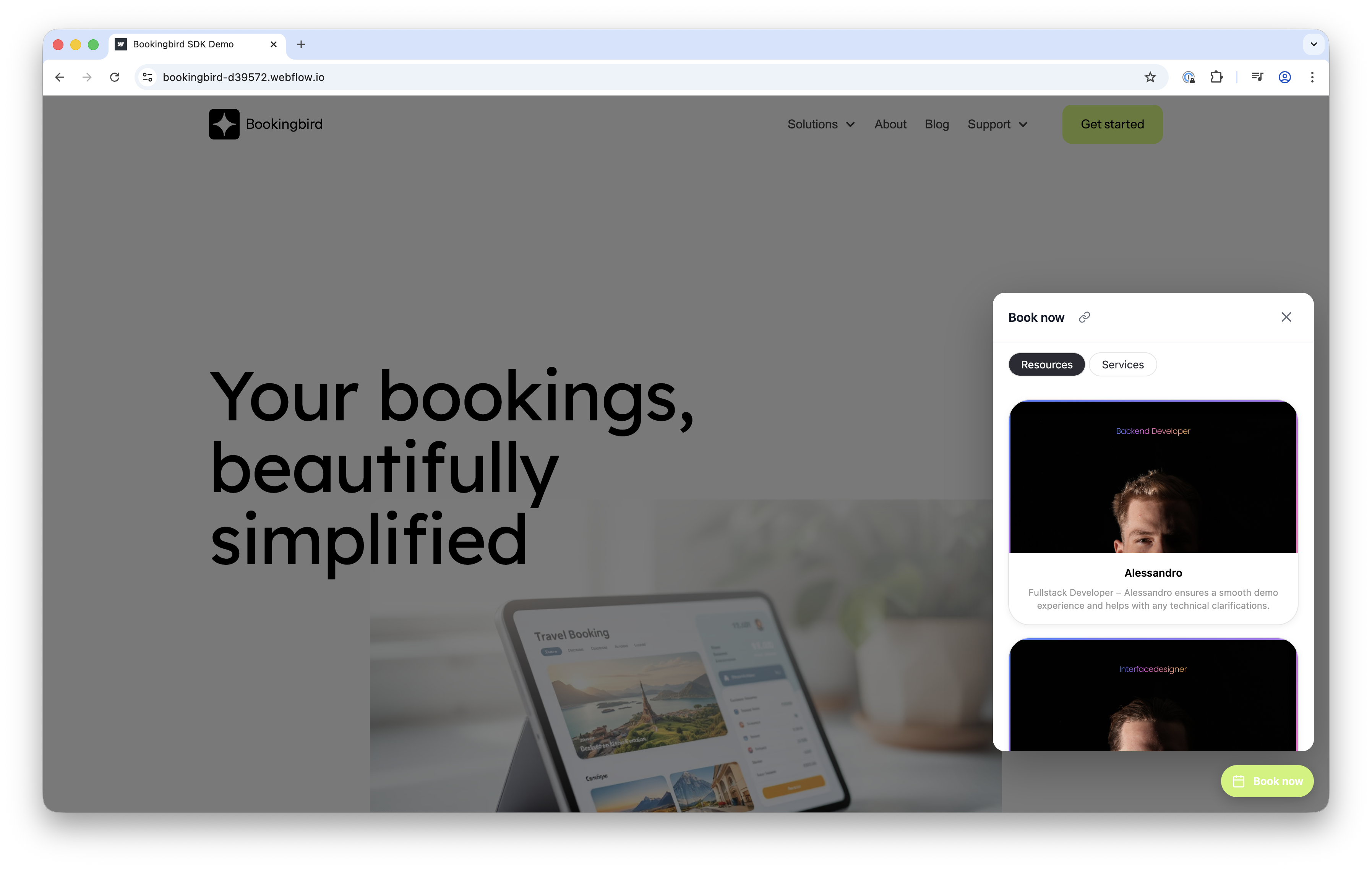
#### 🎨 Customizing the Widget
You can control both the floating button and the popup widget.
**Example:**
```javascript
Bookingbird.initialize({
clientId: "your-client-id",
options: {
button: {
visible: true,
text: "Reserve now",
themeColor: "#FF3366",
textColor: "#ffffff",
position: "bottom-left"
},
widget: {
width: 500,
height: 700,
borderRadius: 20
}
}
});
```
#### 📦 Widget Control Methods
Method
Description
Bookingbird.open()
Opens the widget
Bookingbird.close()
Closes the widget
Bookingbird.toggle()
Toggles the widget
Bookingbird.isOpen()
Returns boolean
Bookingbird.destroy()
Removes widget
`Bookingbird.setWidgetButtonVisible(true
false)`
You can call these methods after initialization — e.g. from a custom button click:
```javascript
document.querySelector("#myButton").onclick = () => Bookingbird.open();
```
#### 🧩 Web Components
Bookingbird offers native web components for direct embedding into your site.
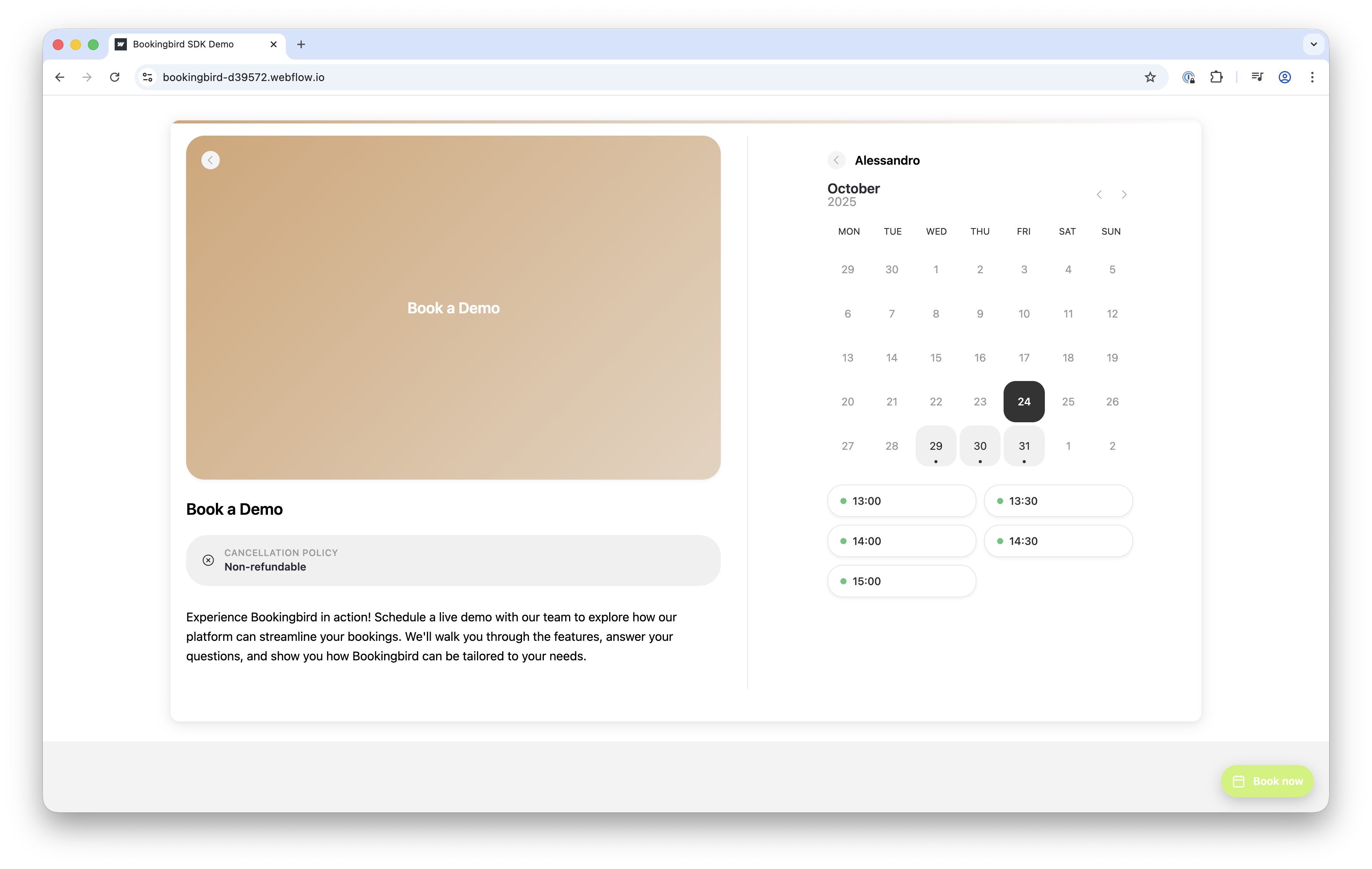
**Booking Page:**
```javascript
```
**Service:**
```javascript
```
**Resource:**
```javascript
```
**Common attributes:**
- `width` (default `100%`)
- `height` (default `600px`)
- `hide-navigation`
- `hide-footer`
For automatic resizing, use:
```javascript
window.parent.postMessage({ type: 'bookingbird-resize', height: 800 }, '*');
```
#### 🔔 Events
Subscribe to SDK events for better control:
```javascript
Bookingbird.on("ready", () => console.log("Bookingbird ready"));
Bookingbird.on("open", () => console.log("Widget opened"));
Bookingbird.on("close", () => console.log("Widget closed"));
```
**Available Events:**
`ready`, `open`, `close`, `launcher:click`, `config:loaded`, `config:error`,
`config:updated`, `settings:updated`, `api:url:changed`, `destroy`
#### 🧠 Advanced Use Cases
- Dynamically update your API base URL:
```javascript
Bookingbird.setApiUrl("https://staging-api.bookingbird.io");
```
- Open specific resources directly:
```javascript
Bookingbird.openResource("resource-id");
```
- Hide/show widget button dynamically:
```javascript
Bookingbird.setWidgetButtonVisible(false);
```